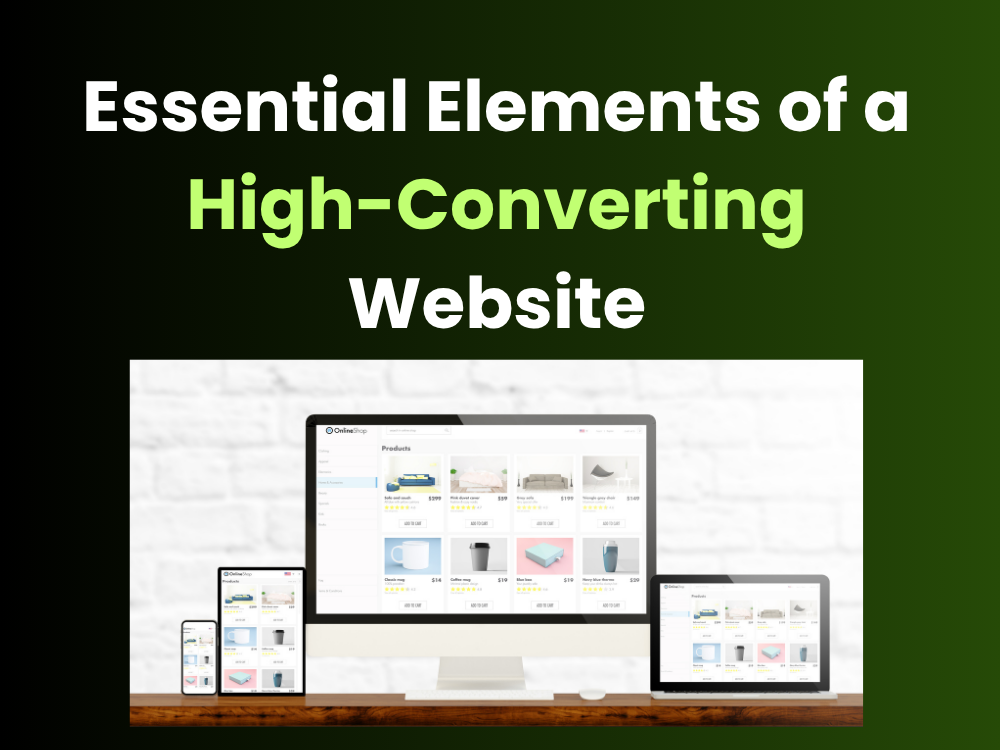
Your website is your best salesperson. It works 24/7, never takes a day off, and can reach thousands of people at once. But if it is not set up correctly, it will lose you leads every single day.
Most business websites look decent — but looking good and converting well are two very different things. A high-converting website is built with one goal in mind: turning visitors into leads, and leads into customers.
In this article, we break down the 8 essential elements every business website needs to improve its website conversion rate and drive real results.
What Makes a Website "High-Converting"?
A high-converting website is one that guides visitors toward a specific action — whether that is filling out a form, calling your business, making a purchase, or signing up for a service.
Conversion rate optimization (CRO) is the process of improving your site so more visitors take that action. Even a small improvement in your conversion rate can mean a big jump in revenue — without spending more on ads or traffic.
Let’s look at the eight elements that make this happen.
This matters more in 2026 than it used to. AI tools now summarize and recommend businesses to users before anyone clicks through. Disconnected marketing doesn’t just confuse customers anymore — it confuses the systems recommending you.
1. Clear and Compelling Call-to-Action (CTA)
Every page on your website should tell visitors what to do next. That instruction is your call-to-action (CTA) — a button, link, or message like “Get a Free Quote,” “Book a Call,” or “Start Your Free Trial.”
Weak CTAs lose business. If your visitor has to guess what to do next, they will leave.
Here is what works:
- Use action-oriented words like Get, Start, Book, or Claim
- Make your CTA button stand out with a contrasting color
- Place it above the fold so visitors see it without scrolling
- Repeat it at key points throughout the page
What makes a good CTA button?
A good CTA button is short, specific, and tells the user exactly what they get. For example, “Download the Free Guide” works better than “Submit” because it tells the visitor what happens when they click. It should be visible, clickable on mobile, and placed where the user is ready to act.
2. Fast Website Loading Speed
If your website takes more than 3 seconds to load, most visitors will leave before they even see your content. This directly increases your website bounce rate and kills your chances of getting a lead.
Website loading speed is one of the most important factors in both user experience and conversions. Studies consistently show that faster websites convert better.
Here is how to speed things up
- Compress and optimize all images before uploading
- Use a fast, reliable web hosting provider
- Enable browser caching and use a content delivery network (CDN)
- Minimize unnecessary scripts and plugins
- Use Google PageSpeed Insights to find and fix speed issues
How does loading speed affect conversions?
Every extra second your page takes to load, you lose a percentage of your visitors. A one-second delay can reduce conversions by up to 7%. For a lead generation website, that adds up quickly. Fast websites also rank better on Google, which means more organic traffic coming in.
3. Mobile-Friendly, Responsive Web Design
More than half of all web traffic now comes from mobile devices. If your website does not work well on a phone, you are handing those visitors straight to your competitors.
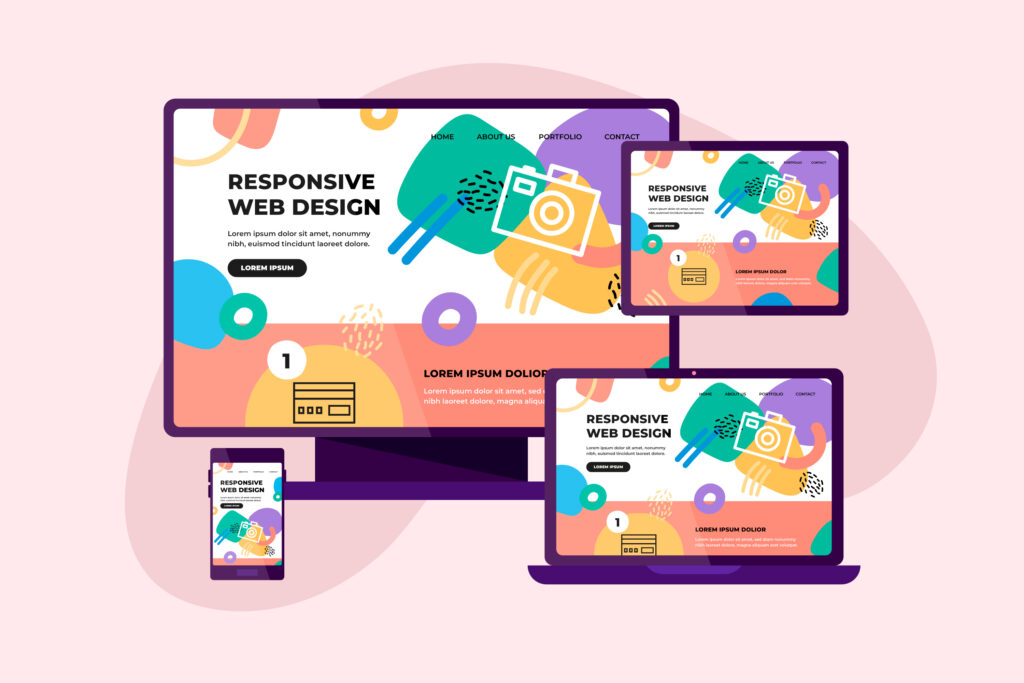
A mobile-friendly website with responsive web design automatically adjusts its layout to fit any screen size — phone, tablet, or desktop. This is not optional anymore. It is a basic requirement for any business website.
What to check on mobile for mobile optimization
- Buttons and links are large enough to tap easily
- Text is readable without zooming in
- Forms are simple and easy to fill out
- Page loads quickly on a 4G connection
- No horizontal scrolling required
Why does mobile design matter for conversions?
Google ranks mobile-friendly websites higher in search results, which means better visibility. But more importantly, if your mobile experience is frustrating, visitors leave. A smooth mobile experience keeps users on your site longer, lowers bounce rates, and increases the chance they will contact you or make a purchase.
4. Trust Signals That Build Credibility
People buy from businesses they trust. If a visitor lands on your website and does not see any reason to trust you, they will not convert — no matter how great your product or service is.
Website trust signals are elements that prove you are a legitimate, reliable business. They reduce fear and hesitation in the buyer’s mind.
Key trust signals to add to your website
- Customer testimonials — Real quotes from real clients with names and photos
- Case studies or success stories — Show the results you have delivered
- Star ratings and reviews — Especially if linked to Google or Trustpilot
- Logos of clients or partners — Social proof that others have chosen you
- Security badges — SSL certificate (HTTPS), payment security logos
What are trust signals on a website?
Trust signals are any elements that prove your business is real, experienced, and safe to work with. They include customer testimonials, security badges, client logos, reviews, and professional certifications. Placing trust signals near your CTAs and lead capture forms directly increases the likelihood that a visitor will convert.
Social proof is one of the most powerful trust signals. When visitors see that other people have already bought from you and had a great experience, it removes doubt and makes them more likely to take action.
5. Smart Website Navigation and User Journey
Analytics and reporting turn guesses into decisions. Without them, a business
Good website navigation makes it easy for visitors to find what they are looking for — fast. Bad navigation frustrates users and sends them straight to the back button.
Think about your website from the visitor’s point of view. When someone lands on your homepage, what question are they trying to answer? Your navigation and page structure should guide them naturally from that question to your solution — and then to your CTA.
This path is your user journey. A clear user journey:
- Reduces confusion and friction
- Keeps people on your site longer
- Moves visitors through your sales funnel optimization steps naturally
- Lowers your bounce rate
Website architecture best practices:
- Keep your main navigation to 5–7 items maximum
- Use clear, descriptive labels — avoid jargon
- Include a search bar if you have a large site
- Make your contact information easy to find on every page
- Use internal links to connect related content
can’t tell whether a campaign is genuinely working or simply running. Regular analytics and reporting are what let a marketing budget move toward what’s producing results and away from what isn’t.
What is a good user journey on a website?
A good user journey starts the moment someone lands on your site and ends when they take the action you want — a call, a form fill, or a purchase. It should feel natural and effortless. Each page should answer the visitor’s current question and give them a clear next step. Remove any dead ends, broken links, or confusing menu structures that interrupt this flow.
6. Lead Capture Forms That Actually Convert
Your contact forms and lead capture forms are where conversion actually happens. If your forms are too long, confusing, or broken, you will lose leads at the final step.
Landing page optimization often comes down to getting your forms right. Here is what works:
- Ask for as little information as possible — name, email, and one qualifying question is often enough
- Use a single-column layout for your form fields
- Add a short line above the form to remind people of the value they are getting
- Use a clear, specific submit button — “Send My Free Quote” beats “Submit” every time
- Show a privacy note near the form — “We never share your information”
- Make sure forms work perfectly on mobile
Website usability for forms also means:
- Auto-filling fields where possible
- Showing clear error messages if something goes wrong
- Sending an instant confirmation email after submission
What makes a lead capture form effective?
An effective lead capture form is short, simple, and clearly shows what the visitor gets in return for filling it out. The fewer fields you ask for, the higher your completion rate. Place your form where it is easy to find — ideally above the fold on your key landing pages — and always follow up quickly after someone submits.
7. Website Performance and Technical SEO
A great-looking website that no one can find is useless. Website performance and SEO-friendly website practices make sure your site gets discovered by the right people.
Website optimization for search engines and digital marketing strategy go hand in hand. When your site ranks higher on Google, you get more traffic — and more traffic means more opportunities to convert
Core technical elements to get right:
- Use proper heading tags (H1, H2, H3) to structure your content
- Write descriptive, keyword-rich meta titles and descriptions
- Optimize every image with descriptive alt text
- Create a clean, crawlable website architecture with no broken links
- Use an XML sitemap and submit it to Google Search Console
- Make sure your site runs on HTTPS — website security is both a trust signal and a ranking factor
- Improve website accessibility so your site works for users with disabilities — this also improves SEO
Conversion-focused design does not
How does website performance affect lead generation?
Poor website performance — including slow loading, broken pages, or crawl errors — means fewer people find your site and fewer people stay when they do. A technically sound, SEO-friendly website gets more organic traffic, builds authority over time, and creates a steady stream of inbound leads without paying for every click.
8. Website Analytics and Conversion Tracking
You cannot improve what you do not measure. Website analytics and conversion tracking tell you exactly what is working, what is not, and where people are dropping off before they convert.
Set up the right tools from day one
- Google Analytics 4 (GA4) — tracks traffic, user behavior, and goals
- Google Search Console — monitors your SEO performance
- Heatmaps (like Hotjar or Microsoft Clarity) — shows where users click and scroll
- Goal and event tracking — measure form submissions, CTA clicks, and phone calls
- A/B testing tools — test different headlines, CTAs, and layouts to find what converts best
Website engagement metrics to watch
- Bounce rate (are people leaving immediately?)
- Average session duration (are they sticking around?)
- Pages per session (are they exploring your site?)
- Conversion rate by page (which pages generate the most leads?)
Website bounce rate benchmarks by industry, 2025–2026
Overall average
45%
Across all industries, 2025
Best performers
26–40%
E-commerce & apparel
Target to beat
<40%
SEO expert ideal benchmark
| Industry | Typical bounce rate range | Benchmark | Status |
|---|
Sources: Databox, CausalFunnel, CXL, Oberlo, Calconic, Claspo — 2025–2026 aggregated data. Bounce rate varies by traffic source, device, and page purpose. Mobile rates run ~16% higher than desktop across all categories.
What metrics should I track for conversion rate optimization?
Start with these five: overall conversion rate, bounce rate, average session duration, top-performing landing pages, and traffic sources. Once you know where visitors come from and where they drop off, you can make targeted improvements that actually move the needle. Track your changes over time to measure the website ROI of every update you make.
Final Thoughts: Turn Your Website Into a Lead-Generating Machine
Your website should be your hardest-working marketing asset. When these eight elements work together — fast loading, mobile-friendly design, strong trust signals, clear CTAs, smart navigation, optimized forms, solid SEO, and data-driven improvements — you get a high-converting website that consistently brings in leads and sales.
You do not need to fix everything at once. Start with the element that will have the biggest impact for your business right now. Run the numbers. Test your changes. Then keep improving.
At digitaldott, we help businesses build and optimize websites that do exactly this. If you want your website to work harder for your business, get in touch with our team today.